
Unlock the Power of FLUX: Cutting-Edge Text-to-Image Generation
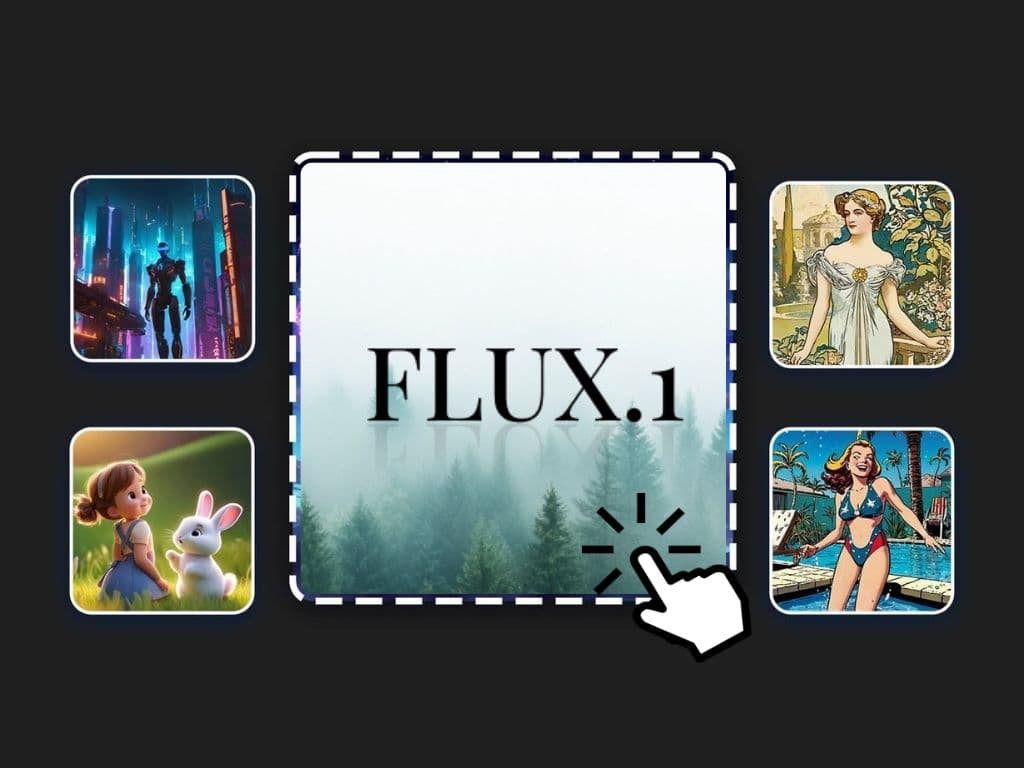
In the fast-evolving world of AI, FLUX marks a revolutionary milestone in open-source text-to-image (txt2img) technology. Developed by Black Forest Labs and the original creators of Stable Diffusion, FLUX delivers outstanding image quality and superior prompt compliance, surpassing notable competitors such as Midjourney, Adobe Firefly, Leonardo AI, Playground AI, Stable Diffusion, SDXL, SD3, and DALL-E 3.
This comprehensive guide will walk you through the seamless process of downloading and utilizing FLUX models on various platforms, including personal computers, Massed Compute, RunPod, and even a free Kaggle account.
Introducing FLUX.1
FLUX.1 is a 12-billion parameter rectified flow transformer capable of generating stunning images from textual descriptions. The suite is available in three variants: FLUX.1 [pro], FLUX.1 [dev], and FLUX.1 [schnell].

Key Features
- Top-notch quality: Comparable to popular closed-source alternatives.
- Efficient prompt following: Matches the performance of the best in the market.
- Guidance distillation: Enhances efficiency while maintaining high quality.
- Open weights: Facilitates new scientific research and empowers artists.
FLUX.1 Variants
- FLUX.1 [pro]: Offers state-of-the-art performance, with superior prompt adherence, visual quality, detail, and output diversity.
- FLUX.1 [dev]: An open-weight, guidance-distilled model for non-commercial use. It offers quality and prompt adherence nearly on par with FLUX.1 [pro]. Download FLUX.1 [dev] from Hugging Face.
- FLUX.1 [schnell]: The fastest model, optimized for personal use and local development, openly available under an Apache 2.0 license. Download from Hugging Face.
Getting Started with FLUX
- Downloading and Installing FLUX Models
- Follow these steps to set up FLUX models locally and on cloud platforms.
Local PC Setup
- Download FLUX models: Available on the Hugging Face FLUX Page.
- Run the Installer: Utilize the install_windows.bat file for Windows users. FLUX Model Installer.
- Update SwarmUI: Follow the prompts to complete the setup.

Cloud Services Setup
- Massed Compute:
- Select a 48GB A6000 GPU for around $0.31/hr.
- Configure ports as per detailed instructions.
- RunPod:
- Deploy on various GPU options, including the high-end L40S.
- Kaggle:
- Use the free notebook option, suitable for the Turbo model for quick results.
Hardware Requirements and Optimization
- Minimum: GPU with 6GB VRAM.
- Optimal: More powerful GPUs are preferred for better performance.
- Precision:
- FP8: Default, requires less VRAM.
- FP16: For GPUs with 24GB+ VRAM, potentially offers better quality. Switch settings in SwarmUI’s advanced options.
Hands-On Examples and Features
Advanced Prompt Following and Image Quality
FLUX excels in generating high-quality images with complex prompts. Below are some practical examples illustrating FLUX's capability.
Prompt Examples:
- Simple Descriptions: E.g., "A serene beach at sunset."
- Complex Scenes: E.g., "A futuristic cityscape with flying cars, under a pink sky."

High-Resolution Image Generation
Generate images up to 1536x1536 pixels, with corresponding VRAM usage details (e.g., 34GB for 1536x1536 on FP16).
Performance Metrics
- Generation speed: Approximately 2 iterations per second on an L40S GPU.
- VRAM Usage: Monitored and optimized based on settings and resolution.
Addressing Limitations and Considerations
While the development model is geared for non-commercial use, the Turbo model supports commercial applications. This tutorial provides strategies to work around VRAM limitations on lower-end GPUs.
Supplementary Resources
To further aid your journey, this tutorial is accompanied by additional written instructions and links. Prior tutorials on SwarmUI installation and usage are referenced for a more comprehensive learning experience.
Video Workflow
Check out our detailed video tutorial for a hands-on guide to using FLUX, from setup to advanced usage.
We hope you find this guide helpful for getting the most out of the FLUX model for your text-to-image generation needs.
Have questions or feedback? Feel free to leave a comment below, or join our growing community of AI enthusiasts!