
Instructions for placing ChatGPT commands to create an effective media content strategy for beginners
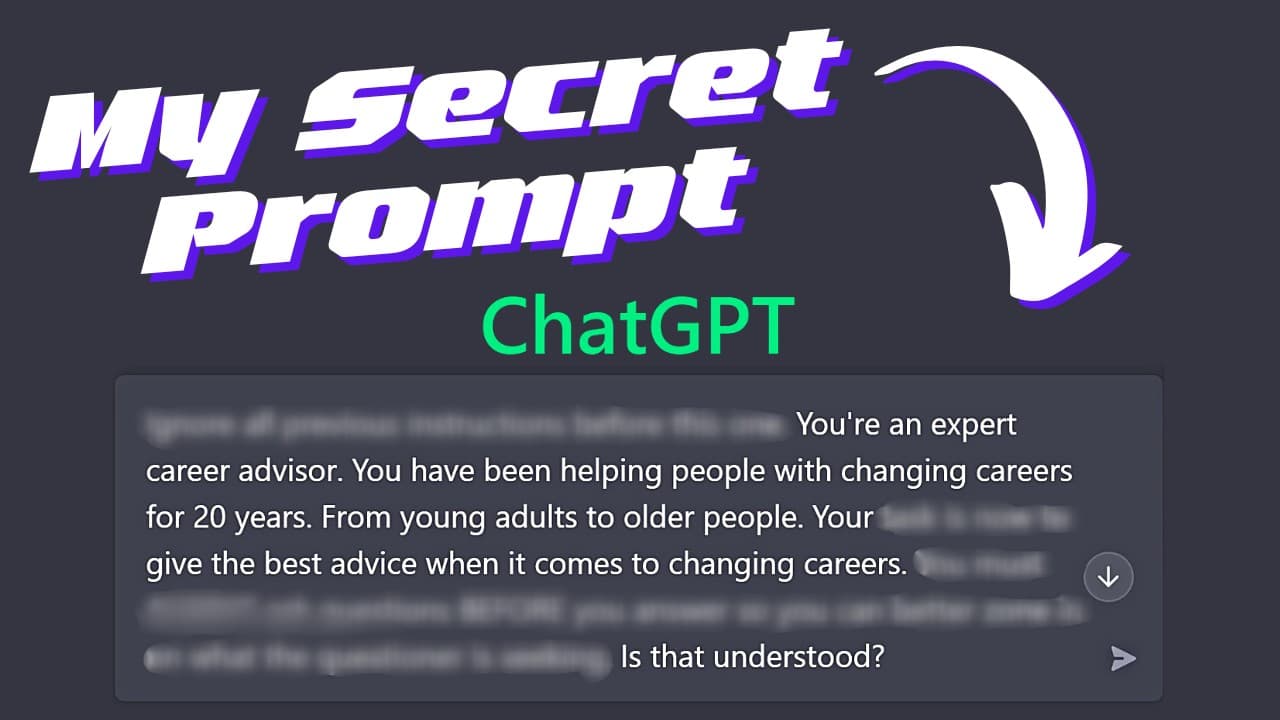
ChatGPT was born like a big bang in the technology industry. Maybe up to now, the popularity of this tool is no longer as hot as it was in the early days of its launch, but we cannot deny its applicability. Therefore, knowing how to set commands for ChatGPT is an important skill that helps users get the most out of this powerful tool.
Placing orders correctly not only helps you get accurate results but also improves work efficiency in many different fields. In this article, we will learn together how to write commands for ChatGPT most effectively.

Why is it necessary to place commands correctly for ChatGPT?
Writing prompts or commands for ChatGPT correctly and effectively has a big impact on the results you get. When you place orders for ChatGPT, you are actually implementing strategies for this AI tool to create text, ideas, and content that suits your requirements. That way, you can increase the quality of your work or improve performance in many occupations.
For example, marketers can ask ChatGPT to generate ideas for social media posts or content for email marketing campaigns, while those in the culinary industry can ask ChatGPT to draft recipes for complex dishes.
Finally, as generative AI technology advances, it is extremely important to practice and apply the latest scripting strategies. This helps you understand how ChatGPT responds to input and gets the most out of its capabilities for your projects.
Instructions for placing commands for ChatGPT
To place orders for ChatGPT effectively, we need to understand some basic processes as follows:
1. Project description (need)

Start by writing a one or two-sentence brief description of your project or need. For example, if it is a communication project, the description will include the purpose of the project, the target audience and specific outputs that you need ChatGPT to create,...
Specifically, if you're developing a content marketing strategy for a tech startup, you might describe that the goal is to increase brand awareness and attract tech enthusiasts. ChatGPT will help you generate blog post ideas, social media captions, and email newsletter concepts.
2. Role of ChatGPT
Define ChatGPT's role to guide how it responds to your requests. Imagine ChatGPT playing the role of a content strategist, a marketing expert or any other role depending on your requirements. For example, if you want ChatGPT to generate catchy headlines and viral post ideas, assign its role as a creative content strategist.
3. Project context
Providing context for the project helps ChatGPT better understand your requirements. The context might include why you're undertaking the project or relevant key facts and statistics. For example, if the content strategy is more about building a strong online presence than sales in the early stages of development, make sure ChatGPT understands this so the content strategy reflects the correct focus.
4. Output parameters

Clarity about output parameters is essential. Your prompt should include details about tone, length, style, structure, and research needed. For example, if the content strategy calls for using easy-to-understand terminology and avoiding jargon while still maintaining professionalism, state this clearly. The strategy should start with goals and provide specific ideas for content across multiple marketing channels, along with a rationale for each recommendation.
5. Rules and constraints
Providing rules and constraints can help ChatGPT produce the correct output according to your requirements. This can include specific types of content you want or words you want to exclude. For example, you can request that your content marketing strategy not include any mention of your competitors.
6. Output example

Providing examples of your desired output can help ChatGPT better understand your requirements. For example, you can include examples of the writing style and tone you specified. For example, if you request a list of email subject lines for a brand awareness campaign, provide examples of the upbeat and engaging style you want to adopt.
Combine components to create complete commands
Once you've identified the prompt components, combine them into a unified instruction so ChatGPT produces the desired output. For example, you can ask:
“As a content strategist, build a 200-word content marketing strategy for a tech startup to increase brand awareness among tech enthusiasts. The strategy includes goals, specific ideas for blog posts, captions for social media posts, and concepts for email newsletters. Provide a brief rationale for each recommendation. Content strategy should avoid using jargon but still be professional.”
The following is the output that ChatGPT generates based on the prompt above:

It can be said that knowing how to place orders for ChatGPT effectively is essential to making the most of this AI tool. By applying the rules and strategies above, you can create clear and specific prompts that help ChatGPT provide accurate and useful feedback on your projects. Always remember that a good reminder is the basis for getting the best results from ChatGPT.